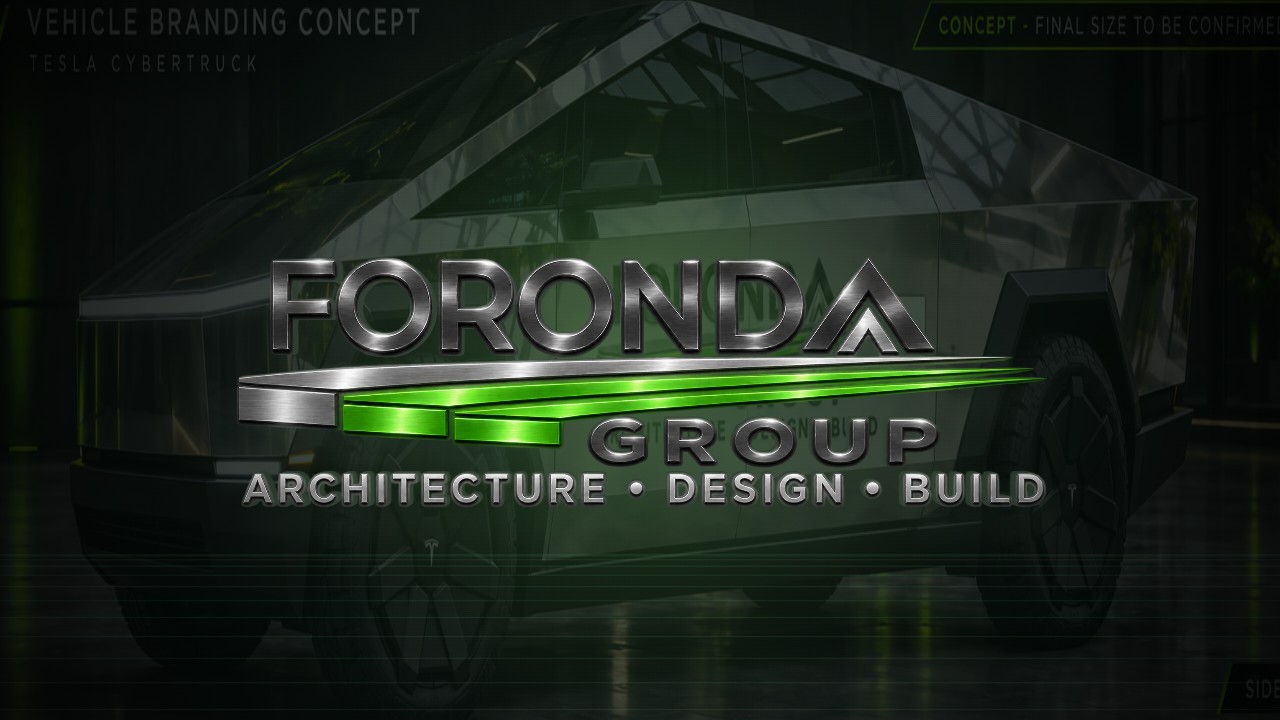
Cybertruck. Ready to present.
Two dramatic presentations for the browser while parked. Tap Play with sound, then Full screen. Playback on your truck has not been tested; these do not replace Tesla's startup screen.

Cyber Silhouette
Files to load into Tesla Paint Shop
These PNGs change the truck model shown on the touchscreen. You can also use the Tesla app (4.59.0 or later): Creations → Wrap → Upload. Download the ready-to-copy USB ZIP, extract it, and place its Wraps folder at the root of your USB drive. In the truck, open Toybox → Paint Shop → Wraps.
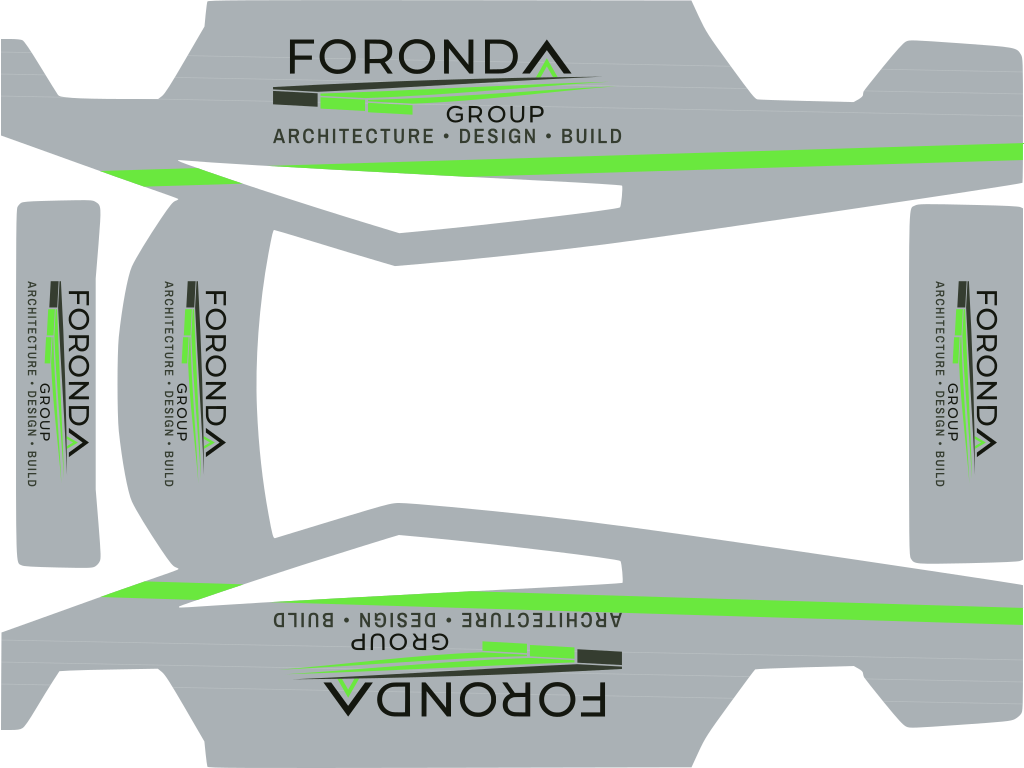
Foronda Cyber Steel
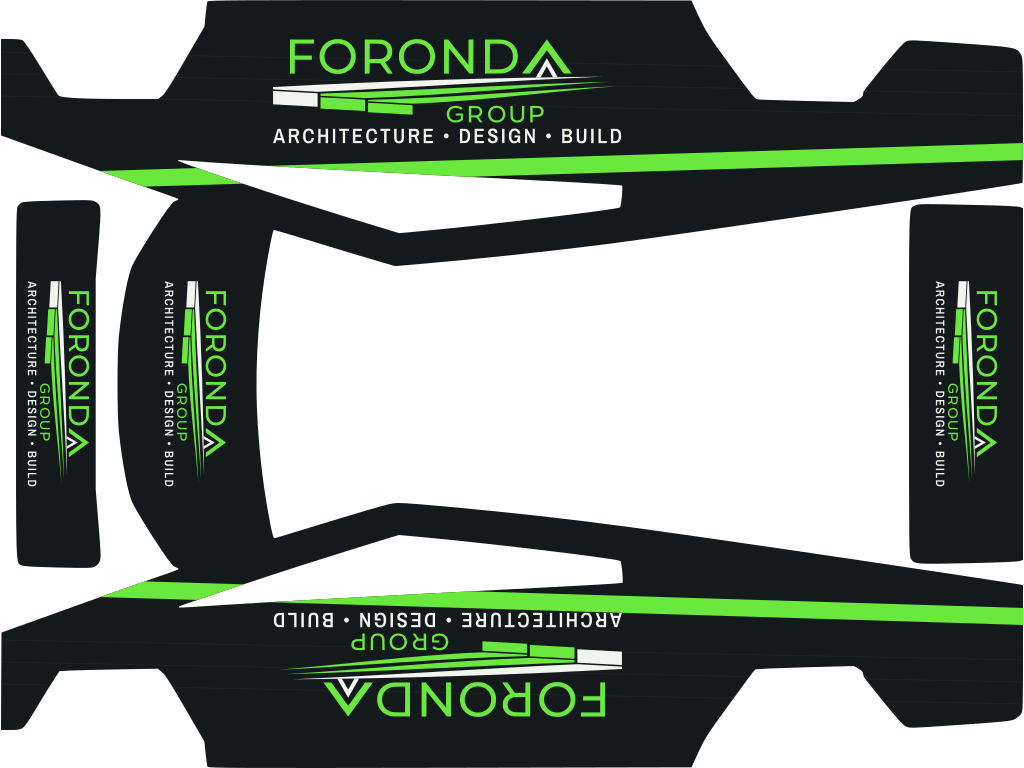
Foronda Stealth
The supported USB import is the static wrap PNG. Tesla documents streaming from supported services and custom wraps, but no custom startup-animation import. The MP4 files are for sharing and ordinary video playback, not a verified Tesla USB video-install format.